API keys
How your website reads your content. One screen, and one rule.
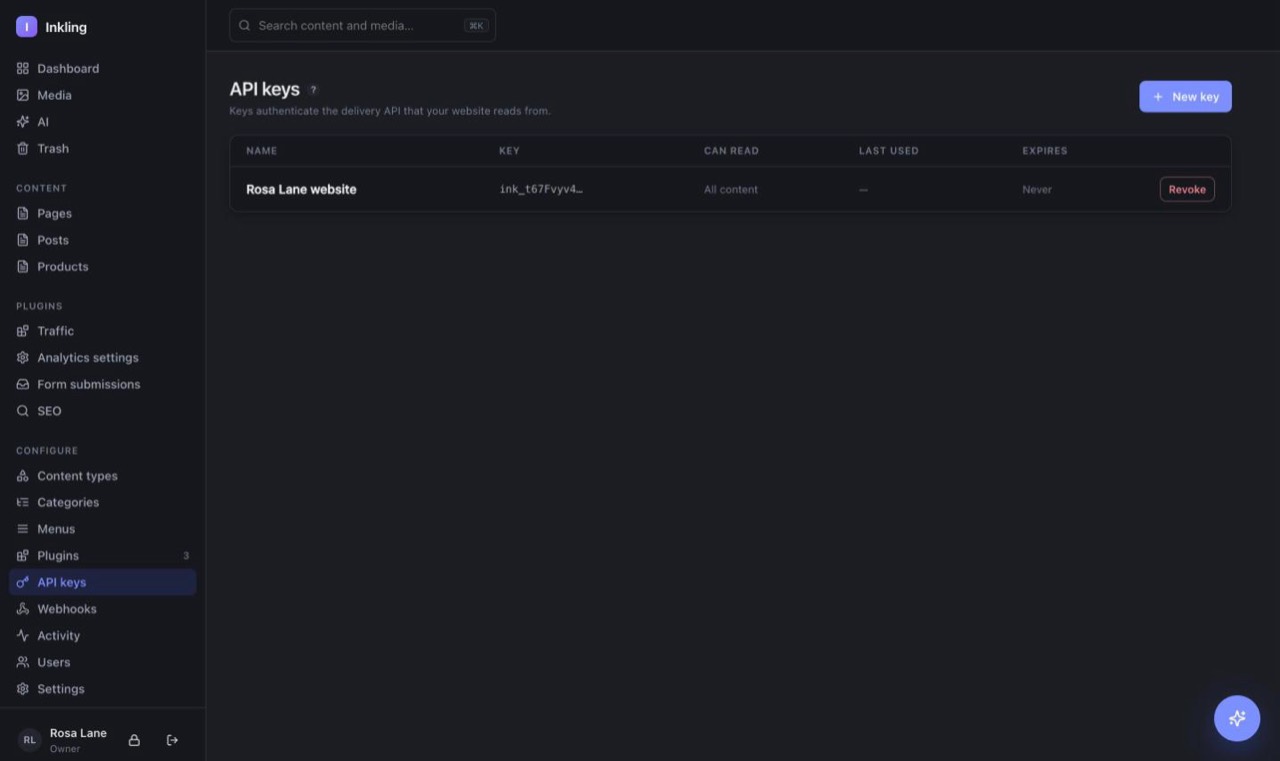
Your website does not share a database with Inkling. It asks for content over the internet, and a key is what proves it is allowed to.
Under Advanced setup, API keys is where you make them. Press New key, name it after where it will be used — “Marketing site”, not “key 2” — and optionally restrict which kinds of content it can read.
What a key can and cannot see
A key sees published content and nothing else. Never a draft, never a colleague's email address, never something in the bin. That holds even when one entry links to another — the linked one is re-checked before it is included.
Leaving the content boxes empty allows everything published. Ticking a few narrows it, which is worth doing if a key is going somewhere you control less.